How to optimize your Google Business Profile (a guide for businesses in Guatemala)
What to fill in on your Google Business Profile, which mistakes can get it suspended and how to measure whether it brings you customers. A practical guide for businesses in Guatemala.
To optimize your Google Business Profile: verify it, use your business's real name, choose the most specific primary category, fill in services, hours, photos and description with real information, ask every customer for a review and reply to them, and keep the same name, address and phone number as on your website. There is no way to pay for a better spot: Google states that you can't request or pay for a better local ranking.
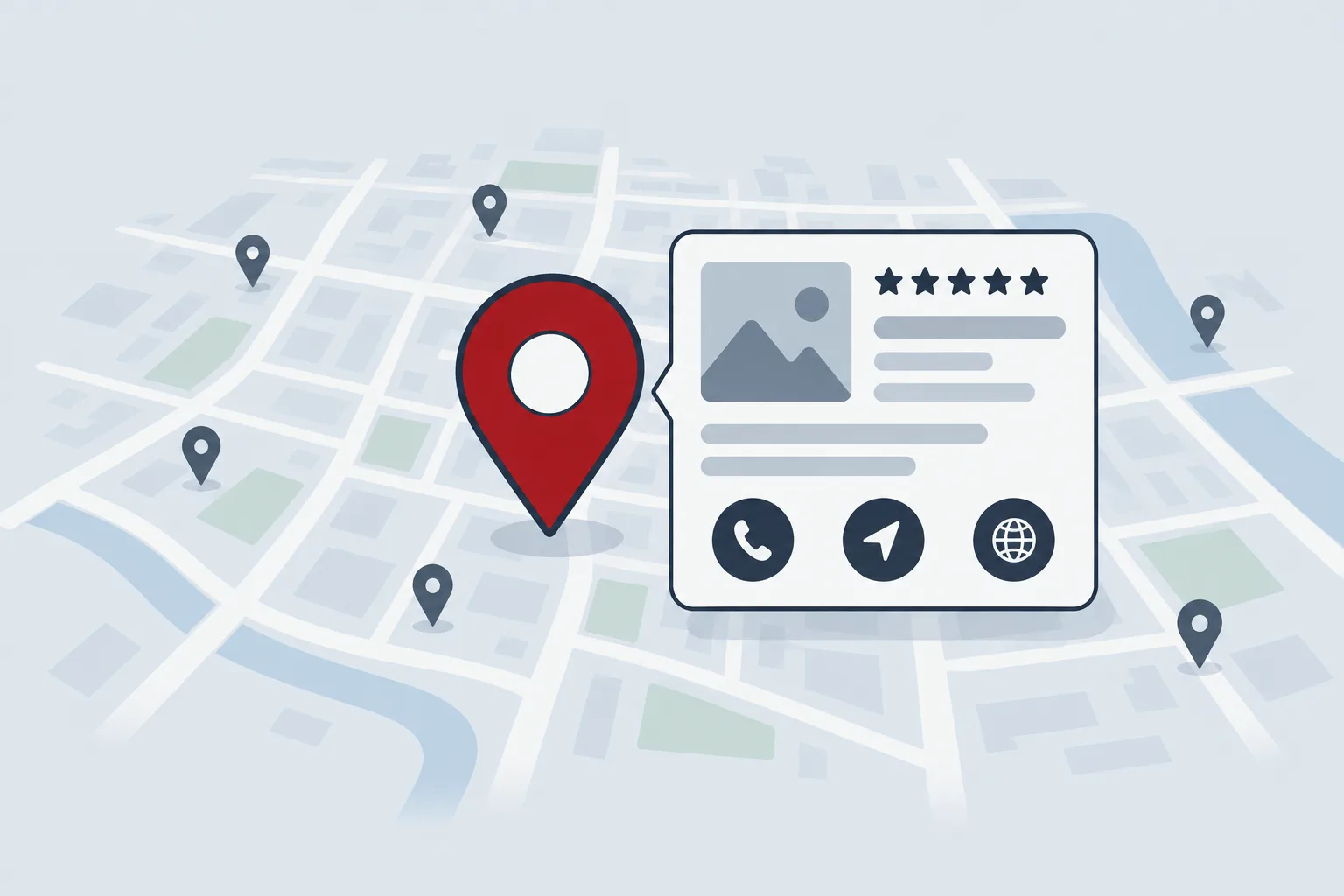
Your Business Profile (formerly Google My Business) is the listing that shows up on Google Maps and in the map block of search results when someone searches "[your service] near me" or "[your service] in Zona 10". In Guatemala, where Google handles 94% of searches according to StatCounter, it is probably the first thing new customers see about you.
How Google decides which businesses to show
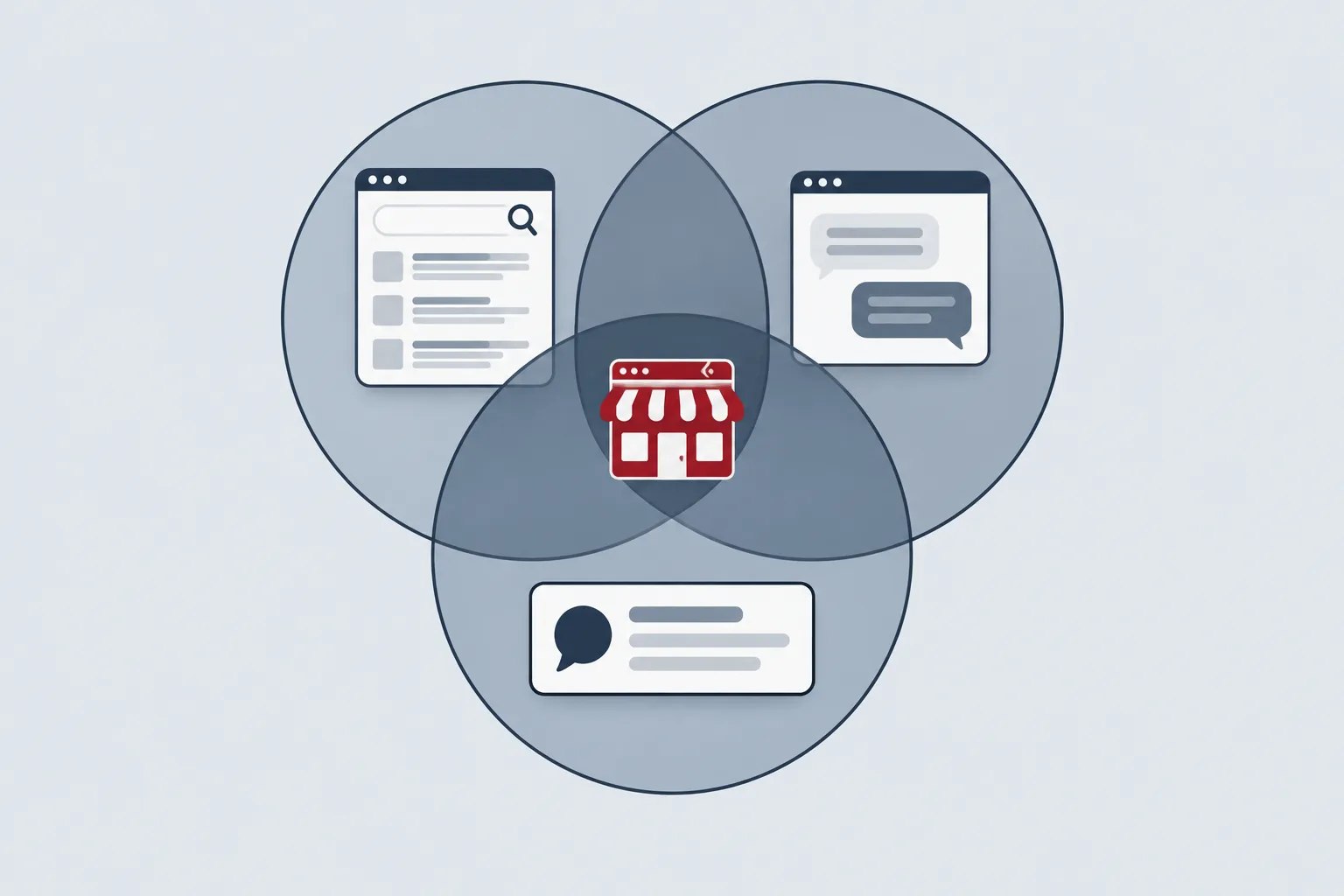
According to Google, local results depend on three factors:
| Factor | What it is | Can you influence it? |
|---|---|---|
| Relevance | How well your profile matches what the person is searching for | Yes: with complete, accurate information |
| Distance | How far your business is from the searcher | No |
| Prominence | How well known your business is: links from other sites, reviews, ratings | Partly: with reviews and mentions |
Everything below targets the two factors you can actually move.
1. Claim and verify your profile
Go to business.google.com with a company Google account (not an employee's personal one) and search for your business: Google or a customer may have already created a listing. If it exists, claim it; if not, create it.
Then you need to verify it. Google decides which methods you get: phone call or text, email, live video call, video recording or, in some cases, a postcard with a code. The review can take up to 5 business days. Without verification you can't reply to reviews or see your stats.
2. Use your real name, no keywords
The name must be the one your business uses on its sign, website and invoices. Nothing more. Adding keywords, areas or slogans ("Sonrisa Clinic | Dentist in Zona 10 Guatemala") is one of the most common temptations and one of the riskiest.
3. Choose your primary and additional categories carefully
Your category is the strongest hint you give Google about which searches to show you for. You can choose one primary category and up to 9 additional ones.
- Primary: the most specific one describing what your business is. "Auto repair shop" beats "Car service" if repairs are what you do.
- Additional: only those that also describe what your business is, not what it has. A hotel with a restaurant open to the public can add "Restaurant"; one that merely has Wi-Fi doesn't add "Internet cafe".
- Don't use them as keywords. Google asks you to use as few as needed.
4. Address or service area
This depends on where you serve your customers:
| If your business... | Set up | Example |
|---|---|---|
| Receives customers at its premises | Visible address | Clinic, restaurant, store |
| Goes to the customer | Service area, address hidden | Plumber, pest control, home repairs |
| Does both | Address plus service area | Repair shop that also picks up vehicles |
Under the guidelines, the address must be a real place with permanent signage. Virtual offices don't qualify, and coworking spaces only do if staff serve customers there during business hours. If you don't receive customers at your address, remove it from the profile and set up to 20 service areas (cities, municipalities or postal codes), no farther than about two hours' drive.
Write the address exactly as it appears on your website, including the zona: "[number] calle [number], zona [number], [municipality]".
5. Hours, including special hours
Beyond regular hours, use special hours for holidays (Holy Week, September 15, the year-end break) and, where relevant, hours for specific services (deliveries, vehicle drop-off). A profile that says "open" while you are closed leads to wasted trips and bad reviews.
6. Services and products
Add each service with a short description and, if you can, the price or a starting price. Use the words customers use when they search ("oil change", not "level 1 preventive maintenance"). The products section and some other options depend on the country and category; if you don't see them, focus on services.
7. Description
You get up to 750 characters. Google asks you not to include links, promotions or prices. A structure that works:
Write it for people: if you mention your services and areas naturally, you are already including the words that matter.
8. Photos and videos
Upload real photos: your storefront (so people recognize it when they arrive), the inside, your team at work, finished jobs and your logo. Skip stock photos: they tell customers nothing about your business. Add new photos whenever you have something to show, not just when you set the profile up.
9. Posts
Posts appear on your profile and can be updates, offers or events. Use them to announce a new service, a seasonal promotion or special hours. Posts without dates are archived after six months, and Google may reject posts with phone numbers in the text. There is no official frequency: one or two a month is a sustainable pace for most businesses.
10. Questions and answers: what changed
For years, profiles had a Questions & Answers section. Google retired the Q&A API on November 3, 2025 and, according to industry reports, the public section is being replaced by AI-generated answers drawn from your profile, your reviews and your website [VERIFICAR: confirm whether the public Q&A section is no longer shown in Guatemala].
In practice: the answers to your customers' common questions need to live in your description, your services and an FAQ section on your website.
11. Reviews: ask everyone and reply
Reviews feed prominence: Google says that more reviews and positive ratings can improve local ranking.
- Ask every customer, not just the happy ones. Google prohibits selectively soliciting positive reviews and offering incentives (discounts, gifts) in exchange for reviews.
- Make it easy: you can share a link or QR code that goes straight to the review form. Send it over WhatsApp after each sale or service.
- Reply to all of them, especially the negative ones. Replies are public and future customers read them. A simple structure for a negative review: thank them, acknowledge the problem without arguing, explain what you did or will do, and offer a direct channel ("message us at [WhatsApp] so we can fix this").
12. Same name, address and phone everywhere
Your name, address and phone number (NAP) must be written the same way on your profile, website, Facebook, Instagram, WhatsApp Business and every directory you appear in. If your profile says "4a. avenida" and your website says "cuarta avenida", or the phone number changed and nobody updated it, Google is less certain it's looking at the same business.
Common mistakes
- Keywords or areas in the business name.
- Duplicate profiles, or one for every "branch" that doesn't actually serve customers.
- Showing an address where you don't serve the public (your home, a virtual office).
- Piling on categories that don't describe what the business is.
- Buying reviews or asking employees and relatives for them.
- Leaving the profile in the account of someone who no longer works with you. The company should be the primary owner.
- Not updating hours for holidays.
How to tell if it's working
In your profile, open Performance. For the period you choose, you'll see profile views, the searches people used to find you and interactions: calls, directions, website clicks, messages and bookings, depending on your business. Data is only available for verified profiles, and the searches metric updates at the beginning of each month.
For a fair comparison, once you have history, compare each month with the same month last year, since many industries are seasonal. Also log your review count and average rating every month. If you add UTM parameters to the website link on your profile, Google Analytics 4 will show you how many visits come from it and what they do.
At Zyncro, the profile is part of the first month of work with every client, because in local businesses it is usually the quickest improvement to see.
Frequently asked questions
How much does a Google Business Profile cost?
It's free. Creating, verifying and maintaining the profile costs nothing, and Google states you can't pay to improve your local ranking. What you can pay for is Google Ads, which is labeled as an ad and is separate from how your profile ranks.
Can I have a profile without a storefront?
Yes. If you serve customers at their home or business, set up a service-area profile and hide your address. You can define up to 20 areas, such as municipalities or cities. What Google doesn't allow is using a virtual office or an address where no staff are present.
What should I do about a fake or unfair review?
First, reply calmly, because other customers will read your answer. If the review breaks Google's policies (for example, it's from someone who was never a customer, includes insults or comes from a competitor), report it from your profile. Google decides whether to remove it; there's no guarantee it will.
Do I need a profile for each branch?
Yes, one for every location that serves customers in person, each with its own address, phone number and hours. Use the same brand name on all of them and link each profile to that branch's page on your website, if you have one. Don't create profiles for places that don't serve the public.